EN
 Romana
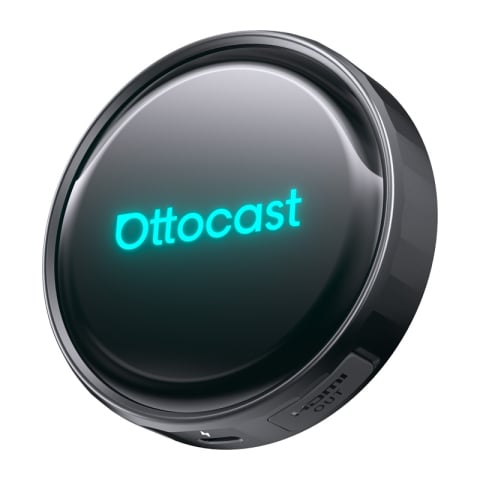
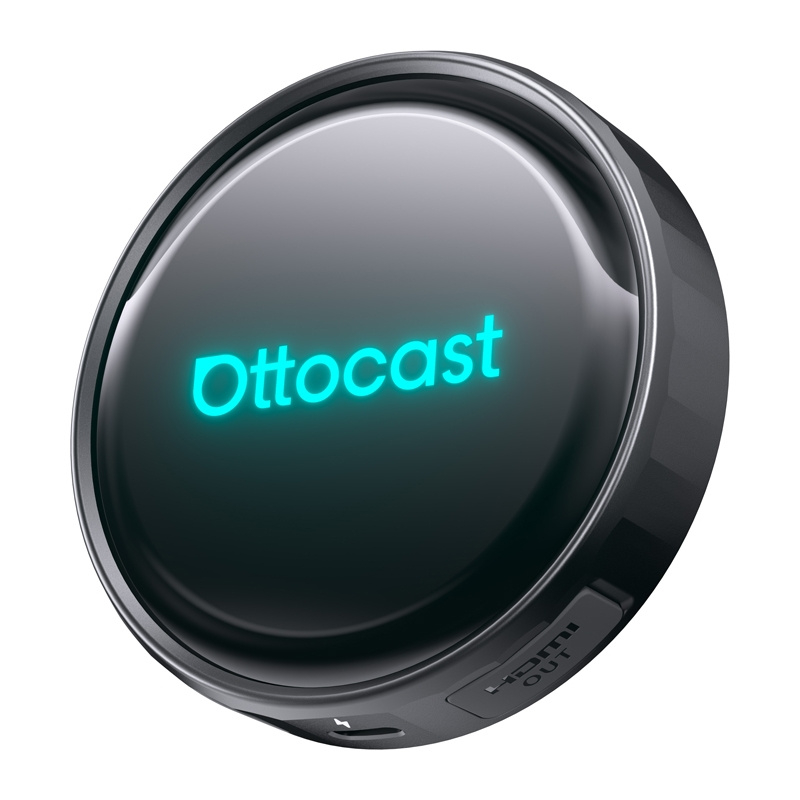
 Ottocast wireless adapter OTTOAIBOX P3 Pro for Android
Delivery date: 4 working days


- Description
- Characteristics
- Reviews (0)
Android Ottocast OTTOAIBOX P3 Pro wireless adapter
Ottocast wireless adapter OTTOAIBOX P3 Pro for Android is a compact device that you connect to the port USB of the machine to expand its capabilities with CarPlay and Android Auto wireless, an Android system 13 complete with OttoDrive interface 3.0Internet access (Cloud SIM or card SIM), smart voice control and multimedia functions, including support for additional screens by HDMI. Thanks to the Snapdragon 6225 8-core processor, everything works smoothly and stable, allowing convenient use of navigation, music, applications and streaming - without cables and without complicated installation.
Fluid performance and OttoDrive 3.0
The adapter runs on Android 13 with the OttoDrive 3.0 proprietary interface, providing a clear and intuitive interface. The system responds quickly and the switch between applications is fluid even during intense use. The entire system was designed with the driver in mind, so that the most important functions are easily accessible during driving. In addition, the interface can be customized according to your preferences, including changing the arrangement of widgets and units of measurement of the data displayed.
CarPlay and Android Auto Wireless
After the initial combination, the adapter automatically connects to your phone every time you turn on the car. The lack of cables means more comfort and less congestion in the passenger compartment. The system works smoothly, so you can easily use the maps, make calls and listen to music. This solution works particularly well for everyday driving, where speed and simplicity matter.
Android applications and split screen function
With a complete Android system, you can install and use applications directly on the machine screen. This offers more freedom than standard multimedia systems and allows you to adapt functions to your own needs. In addition, the split screen feature allows you to display two applications simultaneously, such as browsing and a music player. As a result, you can conveniently control the route and multimedia content without having to switch between views.
Flexibility in connection to the Internet
The device provides a dual internet function that allows you to choose how to connect to the network. You can use Cloud SIM, which provides internet access without a physical SIM card, simplifying your configuration and eliminating the need to use your phone hotspot. Alternatively, you can enter a SIM card and use an independent 4G LTE connection. This gives you greater control over the stability of the connection and how you use the Internet.
Unlimited entertainment - not just for the front seat
The embedded HDMI output allows you to transmit video to additional screens in the machine. Passengers can watch movies or use applications on headrest monitors while the driver uses navigation on the main screen. This solution increases the comfort of travel, especially in the case of longer journeys. Thus, each passenger can enjoy entertainment as he pleases.
Smart Voice Assistant
The integrated intelligent voice assistant allows control of functions without using hands. You can give simple orders about music, navigation or basic settings. This reduces the need to use the screen while driving, which improves safety. Voice control also makes the use of the device more intuitive.
Interface adapted to European standards
The system displays data in units used in Europe, such as km / h for speed and pressure bar. This means you don't have to convert values while driving. The interface is completely customizable, so you can adapt it to your preferences and habits This is particularly important for users who appreciate clarity and simplicity.
Information on Plug installation & Play and compatibility
Installation involves connecting the adapter to the USB port of the machine. No tools or changes to the interior of the machine are required. After a quick configuration, the device is ready for use. This makes the adapter practically accessible to any user. The adapter works exclusively in factory machines with an Apple CarPlay cable system. This means that the USB port of the machine must support the data transmission for CarPlay, not just charging. The device will not operate in older vehicles that do not have this feature. It is advisable to check the compatibility of your car before purchasing.
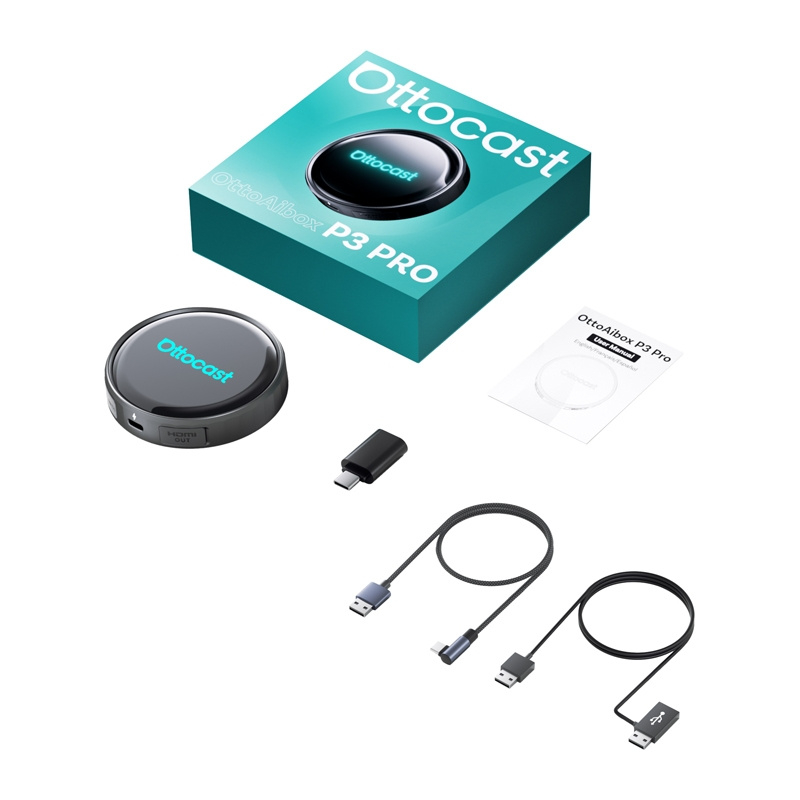
Included
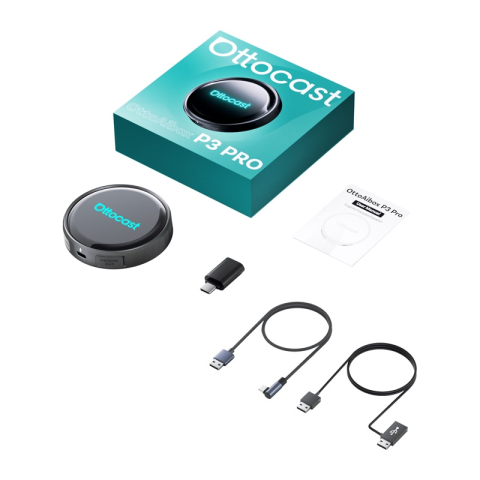
- Ottocast Adapter OTTOAIBOX P3 Pro
- USB cable for connecting to the machine
- USB Adapter
- Additional power cable
- Usage Manual
| Manufacturer | Ottocast |
|---|---|
| Model | P3 Pro |
| Operating system | Android 13 with OttoDrive 3.0 proprietary interface |
| Processor | Qualcomm ® Snapdragon ™ 6225 (8 nuclei) |
| Connectivity | CarPlay, Android Auto |
| Internet | Cloud SIM + SIM card slot (dual Internet, 4G LTE) |
| Orders | Smart Voice Assistant |
| Exit | HDMI |
| Updates | FOTA (overtheair system updates) |
| Food | by USB port |
| Interface | customizable |
| Additional characteristics | Android applications, split screen, streaming, multitasking |
Device model: P3 Pro
The interface: personalizabilă